
Starting out in Grow A Garden can feel a little overwhelming, especially if you are new to this type of calm building and farming game. There are lots of options, systems to unlock, and small choices that can quietly affect how smooth your early game feels. This article is written from a player’s point of view and focuses on a comfort build for new players. The goal is not to rush progress, but to make the game feel relaxed, friendly, and easy to manage while you learn.
Understanding What Comfort Really Means
When players talk about a comfort build, they are usually not talking about maximum efficiency or endgame setups. Comfort means low stress, simple routines, and layouts that do not punish mistakes. In Grow A Garden, comfort is about having steady income, clear paths, and systems that support you even if you log in for a short session.
This game is popular on Roblox, and many players are younger or casual, so the design already supports a relaxed playstyle. Still, the way you place your early buildings, choose helpers, and plan your space can make a big difference in how enjoyable your first few hours feel.
Early Layout Choices That Save You Time
One of the best things you can do early is keep your garden compact. It might feel tempting to spread out and use all the land right away, but that often leads to wasted movement and confusion. Try to keep your main planting area close to your storage and crafting spots.
A tight layout helps you see everything at once and reduces the chance of forgetting to harvest or replant. As someone who learned this the hard way, I can say that reorganizing later is much more annoying than starting simple. Comfort builds favor clarity over size.
Focus on Easy Crops First
Not all crops are equal when you are just starting. Some take longer, require more steps, or depend on other systems you may not fully understand yet. For a comfort build, stick to crops with short growth times and simple care rules.
These crops give you a steady rhythm. Plant, wait a short time, harvest, repeat. This loop is easy to remember and feels rewarding without pressure. Once you feel confident, you can slowly add more complex plants without breaking your flow.
Using Pets to Reduce Busy Work
Pets play a big role in making the game feel easier. They often help with tasks like harvesting, watering, or boosting small bonuses that add up over time. For new players who want a comfort-focused experience, pets are more about reducing effort than chasing rare bonuses.
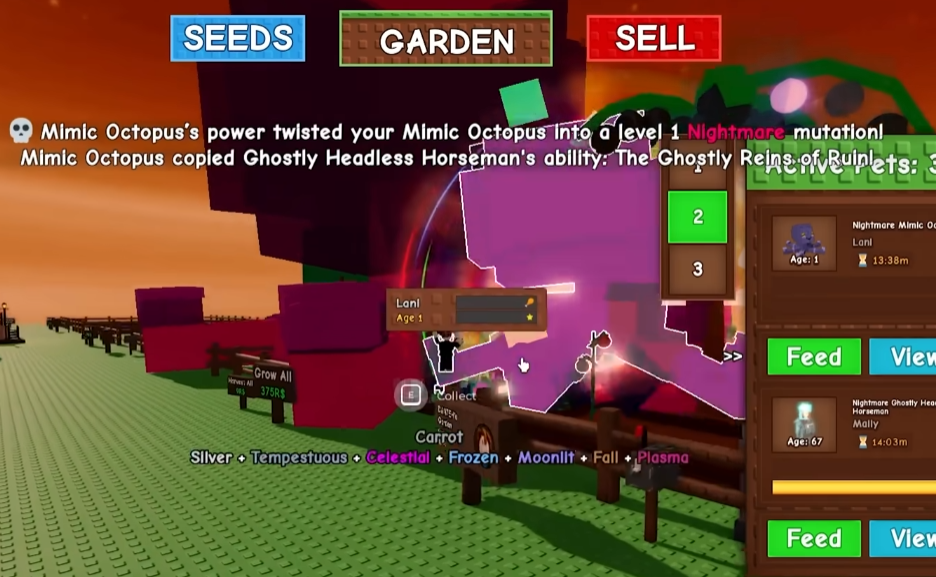
Some players choose to buy grow a garden pets early so they can automate small tasks and focus more on layout and planning. While it is not required, having even one helpful pet can make the garden feel alive and less demanding. I personally found that the game became much more relaxing once I did not have to handle every tiny action myself.
Keeping Storage and Crafting Simple
Another key part of a comfort build is how you manage your storage. Early on, do not overbuild. A few well-placed storage units near your main garden area are enough. This keeps trips short and reduces the feeling of running back and forth.
When it comes to crafting, only unlock what you actually plan to use. It is easy to clutter your space with stations that look interesting but are rarely touched. Comfort builds benefit from clean spaces and clear purpose. If you have to stop and think about where something is every time, your layout is probably too complex.
Choosing Items That Support Comfort
As you progress, you will unlock different tools and upgrades. For a new player comfort build, the best choices are items that save time or reduce mistakes. Tools that improve harvesting speed or expand basic storage are more valuable than flashy upgrades that only matter later.
Many players talk about grow a garden items as if more is always better, but that is not true early on. A small set of reliable items that you understand well is much more comfortable than a large collection you barely use. Think about how each item fits into your daily routine before adding it.
Learning at Your Own Pace
One thing I really appreciate about Grow A Garden is that it does not force you to rush. There are no harsh penalties for slow progress, and that makes it perfect for comfort-focused play. Take time to experiment with layouts, crops, and helpers.
If you enjoy watching other players or reading community posts, you might see mentions of platforms like U4GM when people discuss different playstyles or progression paths. These conversations can be useful for ideas, but remember that your comfort build should match how you like to play, not what looks impressive on paper.
Making the Garden Feel Personal
Comfort is also emotional. Decorating your garden, even in small ways, helps you feel more connected to it. Place paths where you naturally walk. Leave open spaces so the area does not feel crowded. These small choices make logging in feel welcoming instead of stressful.
I like to adjust my garden after each session, even just a little. Moving one plot or clearing a corner can make the next visit feel fresh without forcing a full redesign.
Growing Beyond the Comfort Build
Eventually, you will outgrow your beginner setup, and that is a good thing. A comfort build is not meant to last forever. It is meant to carry you through the learning phase while keeping the game fun and approachable.
By the time you feel ready to expand, you will understand the systems well enough to handle more complex builds without frustration. Until then, keep things simple, enjoy the calm pace, and remember that Grow A Garden is at its best when it feels like a place you want to spend time in, not a checklist you have to finish.
What's New: Grow A Garden: Seagull Pet Value, Method, Mutations & Where to Buy